To store CDs without damage, keep them cased or sleeved, filed upright on a shelf like books, in a room that stays cool, dry and out of direct sunlight. Nearly every avoidable failure traces back to four things: heat, moisture, light and the pressure of stacking. Get those right and a well-made pressed disc will comfortably outlive the furniture holding it.
A CD is a 1.2 mm disc of polycarbonate with a spiral track of microscopic pits and lands, an organic dye layer that stores the pattern, and a thin aluminum reflective layer beside it. A laser reads that pattern back. Light bleaches the dye, oxygen and moisture corrode the aluminum, heat bends the polycarbonate enough to throw the spiral off the lens, and a scratch on the reflective layer turns a readable pass into a miss. That is the whole damage story, and every rule below comes back to it.
None of this needs specialist equipment. An afternoon of sorting, a sleeve upgrade and a shelf in an interior closet will protect a collection far better than anything you buy later.
Seven rules cover almost all of it:
- Store discs upright, spine out, like books. Never flat-stacked under weight.
- Keep them indoors in a climate-controlled room, away from exterior walls.
- Aim for cool and dry: roughly 60 to 70°F with relative humidity between 35 and 50%.
- Skip direct sunlight and any room that regularly heats up, like a garage, attic or car.
- Use polyester archival sleeves or slim cases, not cheap paper inserts.
- Handle discs by the edges and the center hole, and keep the label side away from fingers.
- Rip what you care about to FLAC or ALAC, verify the files, then keep the discs as masters.
Last reviewed for 2026 by the Mausoleum Records editorial team.
Table of Contents
- What You Need
- Step-by-Step: How to Store CDs Without Damage
- Step 1: Sort and inspect the collection
- Step 2: Clean discs and cases safely
- Step 3: Use protective sleeves and cases
- Step 4: Store CDs upright in a stable location
- Step 5: Control temperature, light and humidity
- Step 6: Maintain and check the collection
- Common Mistakes
- Frequently Asked Questions
- What is the safest way to store CDs?
- Should CDs be stored vertically or horizontally?
- What is the best way to store CDs without cases?
- Is it okay to store CDs in the garage?
- Do CDs really get disc rot, and can it be fixed?
- What temperature and humidity should CDs be stored at?
- Conclusion: Where to Start With Your Collection
What You Need
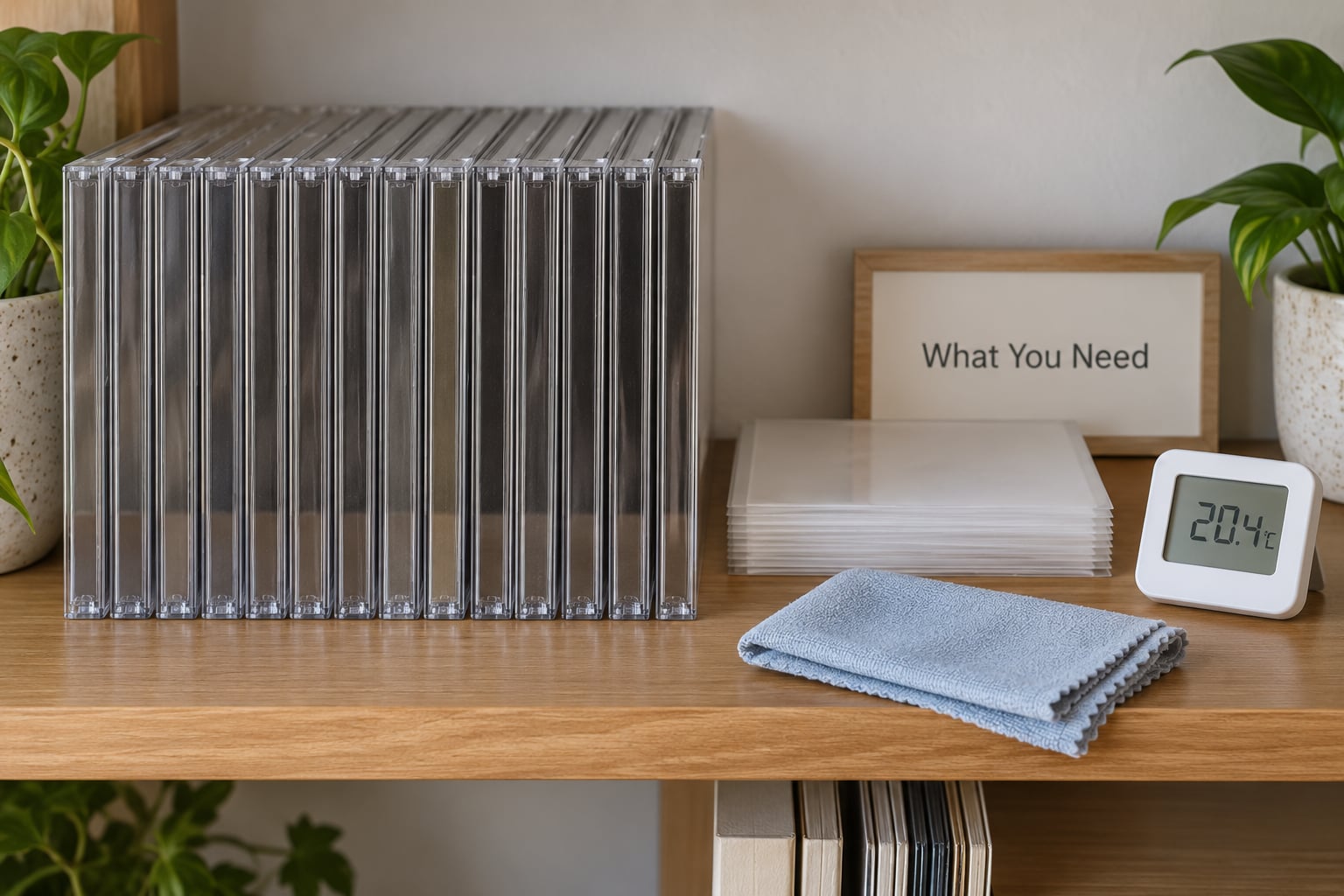
Everything below is cheap and most of it is optional if your collection already lives in decent jewel cases in a sensible room. Buy the upgrades in order of how much damage they actually prevent.
- Archival polyester (Mylar) sleeves for any disc currently in a paper insert. This is the single highest-value item on the list. Cheap paper sleeves shed acid and grit onto the disc surface, and collectors repeatedly report discs dulled by years of contact with them.
- Slim jewel cases if space is tight. They hold one disc, stack to a third of the depth of a standard case, and take a beating better than a full jewel case with its cracked hinges.
- A solid shelf with vertical space, plus a bookend or two. Any bookcase works as long as the shelf board is flat and does not bow under the weight of a full run of jewel cases.
- A soft lint-free cloth (microfiber, washed without fabric softener) and a bottle of distilled water for cleaning discs and jewel cases before they go back in storage.
- A CD-safe marker — a soft-tip or pigment pen that is labelled non-toxic to CDs — and acid-free card stock for handwritten index cards.
- A small digital thermometer and hygrometer. This is the item that turns arguments about storage into measurements. Put one on the shelf, not in a drawer.
- Sturdy cardboard boxes or lidded plastic totes for moving and for off-site storage. Cardboard breathes, which matters if water ever gets in; plastic keeps pests out but traps condensation if it is warm inside.
What to avoid buying: sleeves labelled only “archival” that do not name the material, PVC film sleeves that can off-gas, and adhesive stick-on labels for anything you care about. The adhesive keeps moving for years and eventually bleeds through the hub onto the label side.
Step-by-Step: How to Store CDs Without Damage
Step 1: Sort and inspect the collection
Start by putting every disc in front of you and looking at it in good light. You are looking for four things: fingerprints and grime on the label side, scratches that catch a fingernail across the data side, cracks or chips at the edge, and any disc that looks cloudy, speckled or faintly iridescent rather than clear.
Those last ones matter. Optical birefringence — visible as rainbow speckling or milky clouding that shows when you tilt the disc under a lamp — is the classic early sign of disc rot, the chemical breakdown of the dye and reflective layers. A disc in that state may still play today and fail next year, so those go into a separate box, not onto the shelf.
Split the pile into four groups as you go: clean and playable, dirty but cleanable, suspect (cracked, cloudy, water-stained), and unverified. Set the suspect pile aside for a second look rather than solving it now.
How to know it worked: every disc in the first group is playable and free of visible surface grime, and the suspect pile is small enough that you can test each one disc by disc.
Step 2: Clean discs and cases safely
You clean a CD from the center hole outward in a straight line, holding it by the edges. A soft lint-free cloth dampened with distilled water works; wipe in a radial line following the track, never in a circle, because circular motion can scratch.
For stubborn grime, wet the cloth rather than the disc and work gently. Let it dry fully before it goes into a sleeve. Skip household cleaners, glass cleaner, alcohol, paper towels, and anything abrasive — a disc surface is a coated plastic layer, not glass, and the coating comes off.
Clean the jewel case too. Dust on the tray and in the hinge collects against the disc every time you open the case, and hinge grit is how jewel cases crack. A dry toothbrush or a barely damp cloth gets both.
How to know it worked: the disc looks clean under a lamp with no visible streaks, and running a finger lightly across the label side finds no grease. If fingerprints are still there, repeat the wipe from the hub outward.
Step 3: Use protective sleeves and cases
Every disc gets a sleeve. The order of preference when you are storing discs without cases, or replacing cheap ones, runs like this:
- Slim jewel case — the best balance of protection, cost and shelf space for a single disc.
- Multi-disc case — fine if each disc is on its own side, badly wrong if two discs share a tray with a spacer and rub for years.
- Archival polyester (Mylar) sleeve inside an acid-free box, filed vertically. This is the proper archival answer and the cheapest one.
- Disc wallet or binder — fine for transport and short-term storage, poor for a decade on a shelf, because the plastic pocket scatters dust onto the disc face.
- Polypropylene sleeve — workable and a step up from paper, but it scratches more readily than polyester over time.
- Paper insert, or a bare disc — worst options. The insert grinds grit into the label side, and a bare disc collects dust and fingerprints.
Spindles deserve a warning. Collectors report inner-ring wear from spindles, and a disc worn at the inside diameter can fail to grip or fail to spin in some drives. If you use them, use them as a transport method rather than a home for anything you would miss.
How to know it worked: every disc is inside something, nothing is rattling loose inside a sleeve, and no disc slides around freely in its case tray.
Step 4: Store CDs upright in a stable location
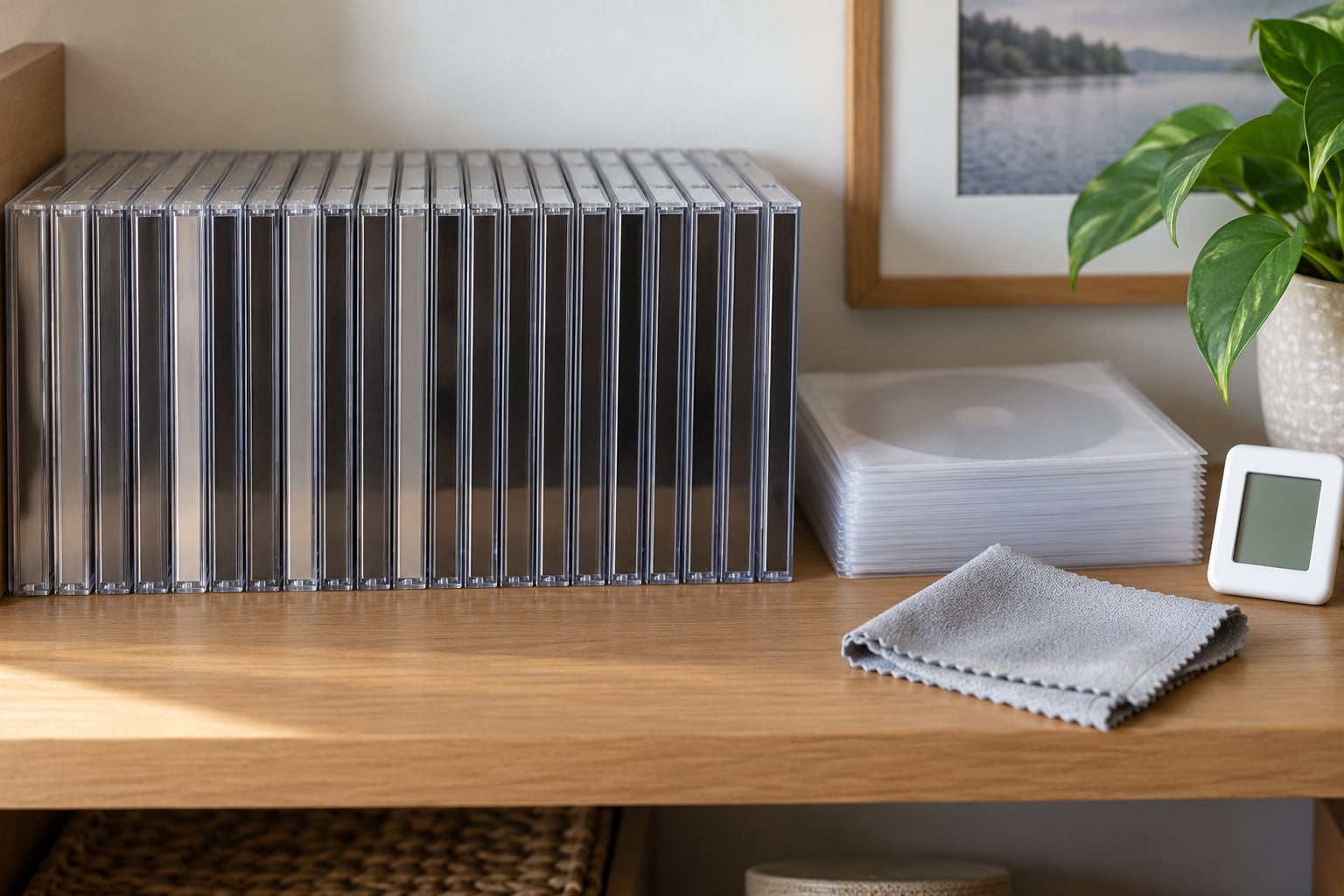
Store CDs vertically, spine out, like books on a shelf. This is the answer to the vertical-versus-horizontal question, and the reason is physical: a jewel case is built to take its load on the spine, not on the disc. Stacked flat, the weight of the cases above presses down on the top disc, and polycarbonate plus heat plus time means a very slightly bent disc. Bend the disc and the spiral track moves out of the laser’s focal plane, and reads start failing in patches.
| Storage method | Space used | Stress on the disc | Best for |
|---|---|---|---|
| Upright in jewel cases | Standard | None | General collections, full artwork |
| Upright in slim cases | About a third of a jewel case | None | Large collections, small rooms |
| Flat-stacked in cases | Compact footprint | High, from case weight above | Short-term only |
| Upright in a disc wallet or rack | Varies | Low | Transport, overflow shelving |
| Upright in sleeves in an archival box | Small | Very low | Collecting with full inserts and liner notes |
| Book-style box set, flat | Large | Low, the box takes the load | Metal and deluxe editions |
Leave a finger’s width of free space at the end of each run so you can pull a disc out without dragging its neighbours. Do not wedge the shelf so tight that cases have to be pried out; that is how hinges snap. Book-style box sets are the exception to the upright rule: they are designed to lie flat, and standing them on end is what bends them.
Keep the shelf off the floor and away from an exterior wall. Both pick up damp and temperature swings that a mid-room shelf never sees.
How to know it worked: you can pull any case out with one hand without tugging, and the shelf board is flat with no visible bow.
Step 5: Control temperature, light and humidity
Heat is the enemy a collector notices last. Warm air expands polycarbonate, and a warped disc fails to spin reliably; repeated cycling through warm and cool is worse than steady moderate warmth. Light is subtler but permanent: the dye layer fades in daylight, and recordable media fades faster than factory-pressed discs. Aim for a stable 60 to 70°F with relative humidity between 35 and 50%, measured with a hygrometer rather than guessed.
For context on the expectations behind those numbers, the widely cited National Institute of Standards and Technology longevity work, reported in 2004, stress-tested recordable DVD media at roughly 77°F and 50% relative humidity and put a lifespan estimate in the region of 30 years under those conditions. That is a tested storage medium under controlled conditions, not a promise for a disc left in a shed, and it is a good reason to aim for steady and cool rather than merely “not too hot”.
| Location | What actually happens there | Verdict |
|---|---|---|
| Interior closet on an inside wall | Stable temperature, minimal light, no swings | Best spot in most homes |
| Mid-room shelf | Stable, but more dust and more light | Good, with a case per disc |
| Unfinished basement | Damp, floods, pests, big seasonal swings | Avoid, or use only with a dehumidifier and sealed totes |
| Garage | Freezing and baking, damp, road salt in winter | No |
| Attic | Extreme summer heat, roof leaks, freeze-thaw | No |
| Storage unit | Uncontrolled heat, humidity, water leaks, pests | Only inside a sealed, insulated tote with a moisture absorber |
| Car | Reaches extreme temperatures parked in sun | No, not even short term |
To answer the garage question directly: no, do not store CDs in a garage. A disc left in a parked car can see a temperature swing of well over 100°F in a single day, and a disc that is fine in a cool closet can warp in a warm trunk. If a garage or unit is genuinely your only option, put each disc in a sleeve inside a sealed tote with silica gel, keep the tote off the concrete floor, and replace the absorber regularly. That is damage mitigation, not prevention, and you should still move the collection indoors as soon as you can.
How to know it worked: your hygrometer reads inside the 35 to 50% band and the temperature has not moved more than a few degrees between morning and night.
Step 6: Maintain and check the collection
Storage is a routine, not a one-time event. Twice a year, walk the shelves and check five things: any case with a cracked hinge, any disc with a new scratch or cloudy patch, any gap where a sleeve has gone sticky from humidity, and any section of the shelf that smells musty. If you find mold, deal with it the same week.
Salvaging a moldy or damp disc: take it out of its case, separate it from neighbours, and wipe both disc and case with a cloth dampened with distilled water and a drop of mild detergent. Dry it completely, then leave the case open on a rack for 24 hours before rehoming it. If a disc smells musty even after that, it is not a disc you want playing — keep it in a quarantine sleeve and do not shelve it with the rest.
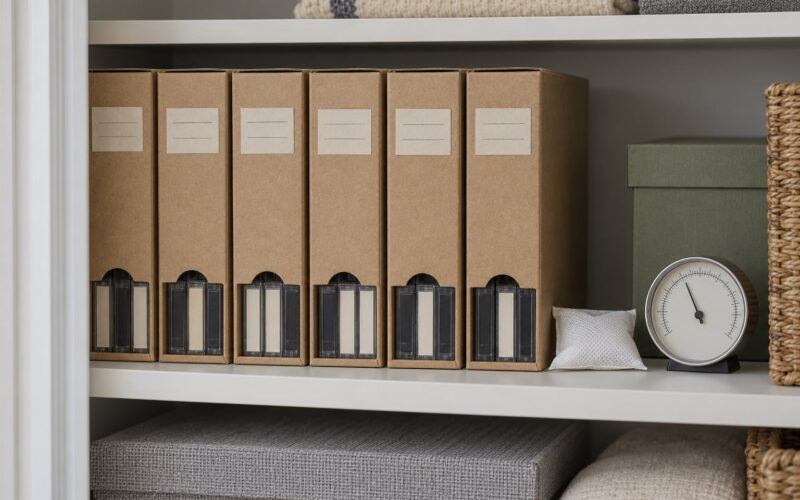
Cataloguing protects the collection as much as shelving does, because you can only care for what you know is there. Use whatever you already have: a spreadsheet, a disc database, or a box of handwritten index cards with the artist, title and catalogue number. Label the outside of every box and the shelf edge, not the discs.
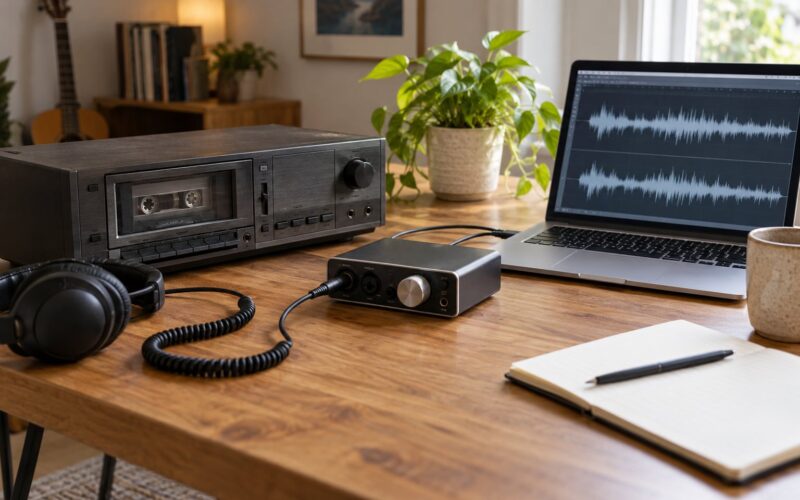
Finally, protect the audio itself. Rip what you care about to FLAC (or ALAC if you use Apple devices), keep the original files, and verify a sample of the rips by playing them before you trust the batch. Collectors on audio forums describe exactly this pattern: rip to a hard drive, store the jewel cases, keep the discs as the master copy. Storage protects the object; the digital backup protects the music.
How to know it worked: you can answer “do I own this album, and where is it?” in under a minute, and every disc has been checked in the last six months.
Common Mistakes
Almost every damaged shelf I have seen traces back to one of these. The fix in each case is cheap.
- Stacking cases flat. The weight above presses on the top disc and slowly warps it. Fix: file everything upright and use the shelf depth for vertical runs.
- Leaving cheap paper inserts in place. Paper sheds grit and acid onto the disc face, and a scratched label side causes dropouts that no amount of cleaning fixes. Fix: swap to polyester sleeves.
- Touching the label or data side. Fingerprint oils sit exactly where the laser focuses, and the oils attract dust that gets dragged across the surface. Fix: edges and center hole only, and wash and dry your hands first.
- Using household cleaners or alcohol on discs. The polycarbonate coating and the label layer both dislike it. Fix: a microfiber cloth lightly dampened with distilled water.
- Leaving discs in a hot car. This is the fastest way to warp a disc. Fix: never store discs in a vehicle, even overnight.
- Parking the collection in a garage, attic or basement. Temperature swings, damp and pests do more long-term damage than anything else in this list. Fix: move it into a climate-controlled room.
- Forcing a full shelf so cases have to be levered out. The leverage cracks hinges and drops discs. Fix: leave a finger’s width free at the end of each run.
- Using stick-on labels on anything you care about. The adhesive keeps creeping and eventually bleeds at the hub. Fix: write on the case with a CD-safe marker, or use an index card.
- Filing box sets on their sides. Book-style packaging is built to lie flat, and standing it on end bends the spine. Fix: store box sets flat, stacked no more than three or four high.
- Smoke and cooking in the same room. Smoke residue settles on disc faces and haze on the lens, and it is hard to remove. Fix: keep collection storage away from where you cook and do not smoke near it.
One more worth calling out: assuming a disc that skips in one player is ruined. Collectors on disc forums frequently find that a disc which fails in one drive plays perfectly in another, because the problem is the drive’s laser or pickup. Before writing a disc off, clean it and try two or three different players.
Frequently Asked Questions
What is the safest way to store CDs?
Keep them in jewel cases or polyester archival sleeves, filed upright like books, on a shelf in a climate-controlled room away from exterior walls, direct sun and exterior doors. Keep relative humidity between 35 and 50% and temperature around 60 to 70F, handle discs by the edges, and never stack cases flat under weight.
Should CDs be stored vertically or horizontally?
Vertically, spine out, like books on a shelf. A jewel case is engineered to carry its load on the spine, so upright storage puts no pressure on the disc. When cases are stacked flat, the weight of the ones above presses on the top disc and can warp it enough to throw the spiral track out of the laser’s focal plane.
What is the best way to store CDs without cases?
An archival polyester (Mylar) sleeve inside an acid-free card box, filed vertically, is the best option, followed by a slim jewel case if you want more physical protection. Avoid cheap paper inserts because grit and acid wear the label side, and avoid disc wallets for long-term storage because the plastic pocket traps dust against the disc face.
Is it okay to store CDs in the garage?
No. Garages swing from freezing to well over 100F, take on damp, and attract pests, and a car parked in the sun is worse. If a garage or storage unit is all you have, sleeve every disc, seal them in lidded totes with a moisture absorber, keep the totes off the concrete, and move the collection indoors as soon as you can.
Do CDs really get disc rot, and can it be fixed?
Yes, discs rot, though it usually affects specific pressings or manufacturing batches rather than every disc everywhere. Rot is chemical breakdown of the dye and aluminum reflective layers, and it cannot be repaired. Cleaning the disc and trying a second or third player often restores readability on discs that are merely dirty or marginal.
What temperature and humidity should CDs be stored at?
Aim for a stable 60 to 70F with relative humidity between 35 and 50%, measured with a hygrometer rather than guessed. Consistent matters more than perfect: steady moderate conditions are far better than a room that swings widely between day and night, which is why exterior walls, attics, basements and garages are poor choices.
Conclusion: Where to Start With Your Collection
Start with the discs, not the furniture. Sort the collection, clean anything dirty, and move every disc out of a paper insert into a polyester sleeve or a slim case. Then move the whole run onto a shelf in an interior room, upright and spine out, with a hygrometer on the shelf to tell you the truth about humidity.
Once the physical collection is safe, rip what you care about to FLAC, check a sample of the files, and keep the discs as masters. That pairing of good storage plus a verified digital copy is what makes how to store CDs without damage a solved problem rather than a worry.