A band press kit is one shareable page or document that gives promoters, bookers, journalists and labels everything they need to evaluate you without being in the room: a short bio, an extended bio, high-resolution photos, streamable music, live video, press quotes, show dates, your band line-up, and a named person to contact. If learning how to make a band press kit sounds like work you need a manager for, it isn’t. You can build one yourself in an afternoon with free tools.
The kit decides whether anybody presses play, and a stale or sloppy one reads as an inactive project before a single note is heard. Here is everything to gather, in order.
Table of Contents
- What You Need
- Step-by-Step: How to Make a Band Press Kit
- Step 1: Choose the Right Press Kit Format
- Step 2: Create a Folder for the Band’s Assets
- Step 3: Write a Concise Band Biography
- Step 4: Add the Essential Music and Press Information
- Step 5: Select Photos, Logos, and Visuals
- Step 6: Design and Export the Press Kit
- Step 7: Personalize and Send It to Each Recipient
- Common Mistakes
- Frequently Asked Questions
- What is the difference between a press kit and an EPK?
- Is there a free tool to create an EPK?
- How many songs should be in my EPK?
- Do I need a stage plot or tech rider in my EPK?
- How often should I update my band press kit?
- Conclusion
What You Need
Before you open any app, collect the raw material. Most of the delay in building a band press kit comes from hunting for a logo file someone forgot to export at full size.
- Two bios. A brief one of 50 to 100 words and an extended one of 150 to 250 words, both in third person so a venue or blogger can copy them straight into a listing.
- Three to five press photos at high resolution, shot deliberately rather than grabbed off a phone during a bad show.
- Three to six tracks you actually want a stranger to hear first, mastered and playable in one tap.
- One piece of live video, ideally 90 seconds to three minutes, showing the band performing rather than standing at microphones.
- The band line-up: every member’s name, role, and instrument, plus a short gear list if it matters to your sound.
- Show logistics: a stage plot, a tech rider or input list, and what you need from a venue’s backline.
- Press and accomplishments: quotes with attribution, support slots, notable shows, releases, monthly listener figures, anything with a number attached.
- Contact block: booking, management and PR as separate named contacts with email addresses, not a single catch-all buried in a footer.
- Upcoming show dates and a short list of past highlights.
- Social links limited to accounts you actually post to.
A master folder on your computer or cloud drive keeps this tidy. A structure that works:
PressKit_Master/containing01_Photos_HighRes,02_Logo_Vector,03_Audio_Masters,04_Video,05_Documents(stage plot, rider, input list),06_Copy(bio, press quotes, one-sheet) and07_Links.
Name files by what they are, not by when you made them. band_press_photo_01.jpg beats IMG_4821.jpg, because the second one tells a promoter nothing when they need to credit your photographer.
Step-by-Step: How to Make a Band Press Kit
Step 1: Choose the Right Press Kit Format
Pick the format before you write a word, because it decides how much work each step takes. A PDF is the fastest to make and the easiest to archive. A web page plays audio without a download and looks better on a phone. Most bands end up with both, which is why knowing how to make a band press kit starts with this one decision.
- Single PDF, under 10 pages. Best for festival submissions, labels, radio, and anyone who wants a file to keep. Audio inside a PDF needs a click, and readers skim it on a phone.
- Mobile web page. Best for venues, bookers, bloggers and anyone you email cold. It needs hosting that loads fast on a weak connection.
- Hybrid: page plus PDF. Best for bands that pitch regularly to mixed recipients. The risk is drift: two versions fall out of sync unless you keep one as the master and export the other from it.
The difference between a press kit, an EPK, a press release and your website is worth being clear about. A press release is a dated announcement about one thing. A one-sheet is a single page summary. Your website is for fans. The press kit is the industry’s copy of your band, written for reuse.
Step 2: Create a Folder for the Band’s Assets
Build the folder before the document. Sorting assets as you go means you never publish a kit with a logo from three years ago in it, because the current version was never in the folder.
Export your logo as a vector file (SVG or EPS) for print work and as a transparent PNG for anything digital. Ask whoever made it, or redraw it. Never screenshot a logo.
For audio, keep your masters in one folder and let the press kit pull from streaming platforms rather than hosting large files. Nobody wants a 90-megabyte download in their inbox.
Step 3: Write a Concise Band Biography
A band bio that gets reused has a specific shape: third person, present tense, genre stated early, names and roles included, and no adjectives where a fact would do. Aim for 75 to 150 words for the main bio and a second, longer version for the extended section.
Here is the pattern. State the genre and the city, name the members and their instruments, name the influences in plain terms, then give one or two verifiable facts and the current release. Write it so a promoter can paste the whole paragraph into a listing without editing it.
Sample extended bio for a four-piece:
Hollow Coast is a four-piece from Tacoma, Washington, playing death-doom with a low, slow swing and long instrumental passages. The band formed around guitarist and vocalist Marta Reyes, who wrote the first three songs alone before recruiting bassist Dev Okafor, drummer Sam Whitlock, and second guitarist Priya Raman, who handles the harmonised leads. Influences cited by the band include early 90s Swedish death metal, drone and heavy blues. The group released a self-financed split EP, followed by the debut full-length Salt Line, recorded over nine days and released independently. Hollow Coast has played 40 shows since forming, mostly supporting touring acts, and opened for a national act on four dates. Their second full-length is in progress.
Cut every sentence that would still be true if you swapped the band name for someone else’s.
Step 4: Add the Essential Music and Press Information
Three to six tracks is the working range. Three is plenty if they are the right three. A listener who plays fifteen songs hoping something sticks will usually stop after the fourth, and a promoter who plays fifteen tracks before deciding never plays them at all.
Link out to streaming platforms rather than embedding everything. Link to one specific song, one playlist or album, and let the listener choose. Note which track is the focus of the current campaign, usually first in the list.
The band-specific sections are what separate a real band’s kit from a template. List every member with their role and instrument. Add notable shows, support slots and festivals. Include credits: producer, label, mastering engineer, artwork and photographer, because a journalist writing a feature needs them and will email you otherwise.
On press quotes: use real ones, attributed, from outlets that actually exist. If you have none yet, that section can hold a line about releases, shows and support slots instead. Leaving an empty heading looks worse than omitting it.
Step 5: Select Photos, Logos, and Visuals
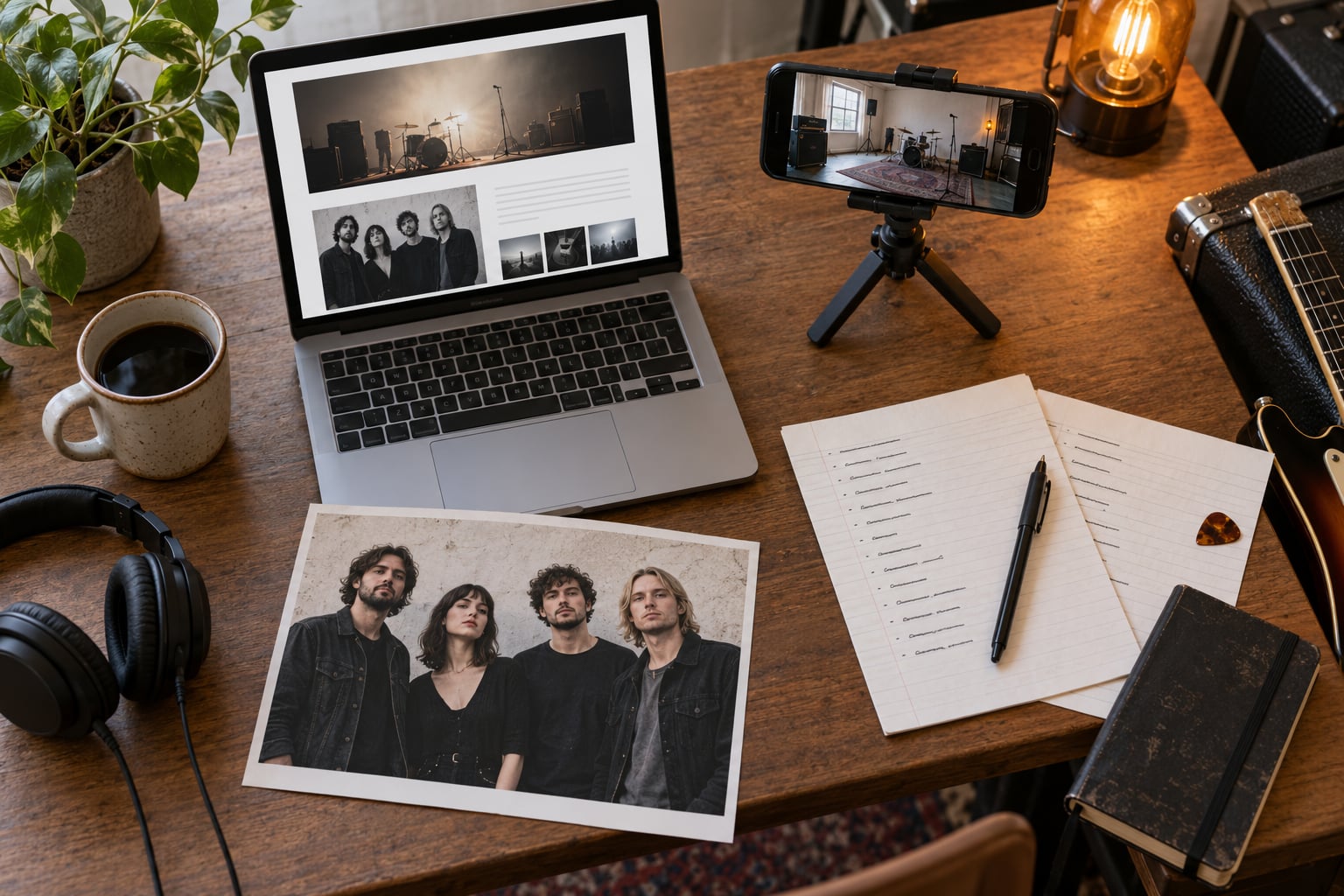
Three to five photos is plenty. Editors crop to whatever shape their layout needs, so supply at least one tight portrait of each member, one full-band shot, and one live frame with motion in it.
Deliver at high resolution: roughly 3000 pixels on the long edge, at 300 DPI for anything headed to print. Shoot landscape for editorial use and keep a vertical crop ready for social and poster work. A phone camera is genuinely fine if the lighting is deliberate; a dark, grainy phone shot in red stage light is not.
For a shoot, write the shot list before the day: band portrait, three individual member portraits, wide stage shot, one instrumental in progress, one motion shot with hair or dust moving. Give your photographer a call sheet with names left to right, and ask for both colour and black-and-white edits.
Keep files small enough to email if someone asks. Compress photos to a reasonable size and host the hi-res set behind a download link rather than attaching it.
Step 6: Design and Export the Press Kit
Design is not the hard part, and restraint does most of the work. Use one typeface in two sizes, one accent colour, and plenty of white space. Put your band name and genre in the top-left corner, because that is what a talent buyer is scanning for in the first ten seconds.
Order the pages like this:
- Cover: band name, logo, genre, city, one-line hook.
- Brief bio.
- Press photos.
- Music.
- Extended bio, band line-up and member roles.
- Video.
- Press quotes, accomplishments, show dates.
- Contact block.
- Stage plot, tech rider and input list as attachments.
For the PDF, export at a readable file size, embed your fonts so nothing shifts on another machine, and add working links. Aim to keep it under 10 pages. Check every link before you publish, then open the finished file on your phone.
Mobile matters more than it used to. Most people who open your kit are holding it one-handed in a doorway between other emails, so the first line, the photo and the play button all need to be visible without scrolling sideways.
Once it is live, put a QR code on your merch table, your backdrop and your stage banner so the room can open the same link you just emailed out.
Step 7: Personalize and Send It to Each Recipient
Send a link, never an attachment. Attachments get filtered, and a link lets you update the kit without resending anything.
Keep the core band information identical and change only the framing:
- Venues and promoters get the stage plot, tech rider, input list and set length up front, plus your draw in the local scene.
- Music journalists and zines get the press release angle, the strongest photo, one specific track, and a line about why this release matters now.
- Labels and A&R get the extended bio, complete discography, catalog numbers, splits and EPs, and your Bandcamp and streaming numbers.
- Festivals get the professional version: full kit, professional photos, references, and the submission well ahead of the deadline.
- Podcasters and radio get the one track they can play, a runtime, a subject contact, and lyrics if they ask.
Write a three to five sentence artist brief for the email itself. Name the band, the genre, the release, the hook, and the ask. If you are cold, the recipient is doing you a favour, so make the reply easy.
Follow up once after about a week, then stop. Two emails is the polite limit for an unsolicited pitch.
Common Mistakes
Most bands do not lose opportunities through bad music. They lose them through small, fixable packaging errors.
- Show dates from last year. An out-of-date calendar is worse than none, because it signals nobody is managing the band. Update it every time you book.
- Dead links. Test every link the day you publish. A playlist that vanished makes the rest of the kit look abandoned.
- Password protection or expiring links. If a promoter cannot open it, they move on and you never find out.
- Attaching audio to the email. Large attachments get flagged. Link to streaming instead.
- Low-resolution photos. Anything under 2000 pixels cannot be printed and gets cropped badly by a designer.
- Walls of text. Nobody reads 600 words in a kit that should take two minutes.
- A single vague contact. “Info” in a bio field means the email dies. Name a person and use an address that reaches them.
- Sending the identical blast to everyone. Four lines of personalization take three minutes and roughly double the reply rate.
- No stage plot or rider. For a live band this is the most useful document in the whole kit, and it is the one most often left out.
One more worth naming: an empty press section. If you have no reviews yet, replace it with a list of releases, shows and support slots. An honest short list reads far better than a heading with nothing under it.
Frequently Asked Questions
What is the difference between a press kit and an EPK?
A press kit is the physical or digital bundle of promotional material. An electronic press kit, or EPK, is that same bundle built for screen: a web page or PDF with clickable audio, video and links. Most bands use the two terms interchangeably. In practice nearly every kit sent today is an EPK, whether or not anyone calls it that.
Is there a free tool to create an EPK?
Yes, and most bands never need to pay for anything. A Canva template exported as a PDF gives you a clean designed document for free. A Notion page or a simple link-in-bio page gives you a mobile-friendly version with embedded players. A dedicated EPK builder is worth it only once you are pitching weekly and want analytics on who actually opens the link.
How many songs should be in my EPK?
Three to six tracks, with your strongest or most current song first. Enough to show range without asking a stranger to sit through a full catalogue. Forum advice among working musicians consistently points to two or three songs as plenty. If a venue wants more, they will ask, and you can send a private link to the full record.
Do I need a stage plot or tech rider in my EPK?
If you are a live band, yes. A stage plot maps where each member, microphone and instrument sits onstage. A tech rider lists what you need from the venue’s PA, backline and lighting. Both are short documents that let a production manager or promoter assess you without a phone call, and almost no competitor kit bothers to include them.
How often should I update my band press kit?
Review it every three months, and immediately after any release, tour announcement or lineup change. The items that rot fastest are show dates, streaming numbers and press quotes. A quarterly pass takes twenty minutes and prevents the most damaging problem in the whole format: a recipient opening your kit and seeing dates that already passed.
Conclusion
Start with the boring half of the job, because it decides everything else. Create one clean master folder, write a 75 to 150 word bio in third person, choose three strong photos with a vertical crop ready, and export a recipient-ready PDF under ten pages. Then open it on your phone and time yourself: getting from your name to your music should take about two minutes. Once that works, build the mobile page and start sending links.