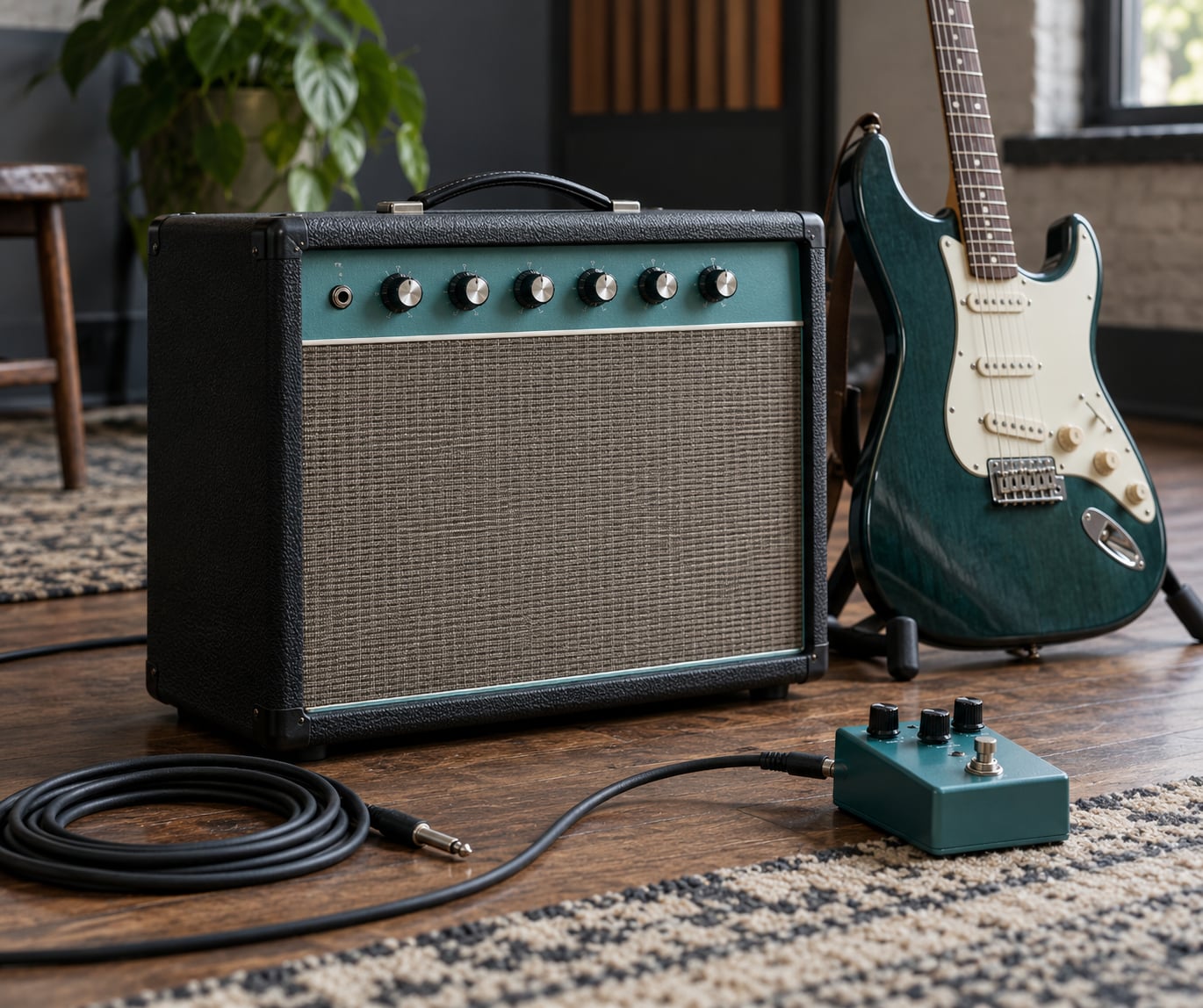
There is no single correct set of guitar amp settings for metal. What works is a baseline you can adjust: gain sits around 7 of 10, bass around 7, middle around 3, treble around 7, presence near 5 and channel volume around 7.
The reason those numbers matter is not the numbers themselves. A metal tone has four traits — saturation, a tight low end, mids shaped forward or scooped depending on subgenre, and audible note separation between chords. Your guitar, pickups, cabinet, room and genre all shift how those four things come out, so treat any chart as a starting position and adjust one control at a time.
If you have never thought about this deliberately, the fastest route to a better tone is subtraction, not more gain. Start from the baseline below, play a palm-muted riff, then play a single-note lead line without changing anything else. Whatever falls apart tells you which knob to touch.
Table of Contents
- Guitar Amp Settings for Metal Explained: Quick Tone Map
- What Amp Controls Shape a Metal Tone?
- What Is the Best Guitar Amp Settings for Metal Starting Point?
- How Do You Get Tight Palm Mutes Without Losing Sustain?
- How Do You Set the Amp for Metal Rhythm and Lead?
- How Do Guitars, Cabs, and Pickups Change the Settings?
- What Genre-Specific Metal Amp Settings Should You Start With?
- How Do Noise Gates, Boosts, and Other Pedals Affect the Amp?
- How Do You Dial In and Save a Metal Tone?
- Frequently Asked Questions
- Conclusion
Guitar Amp Settings for Metal Explained: Quick Tone Map
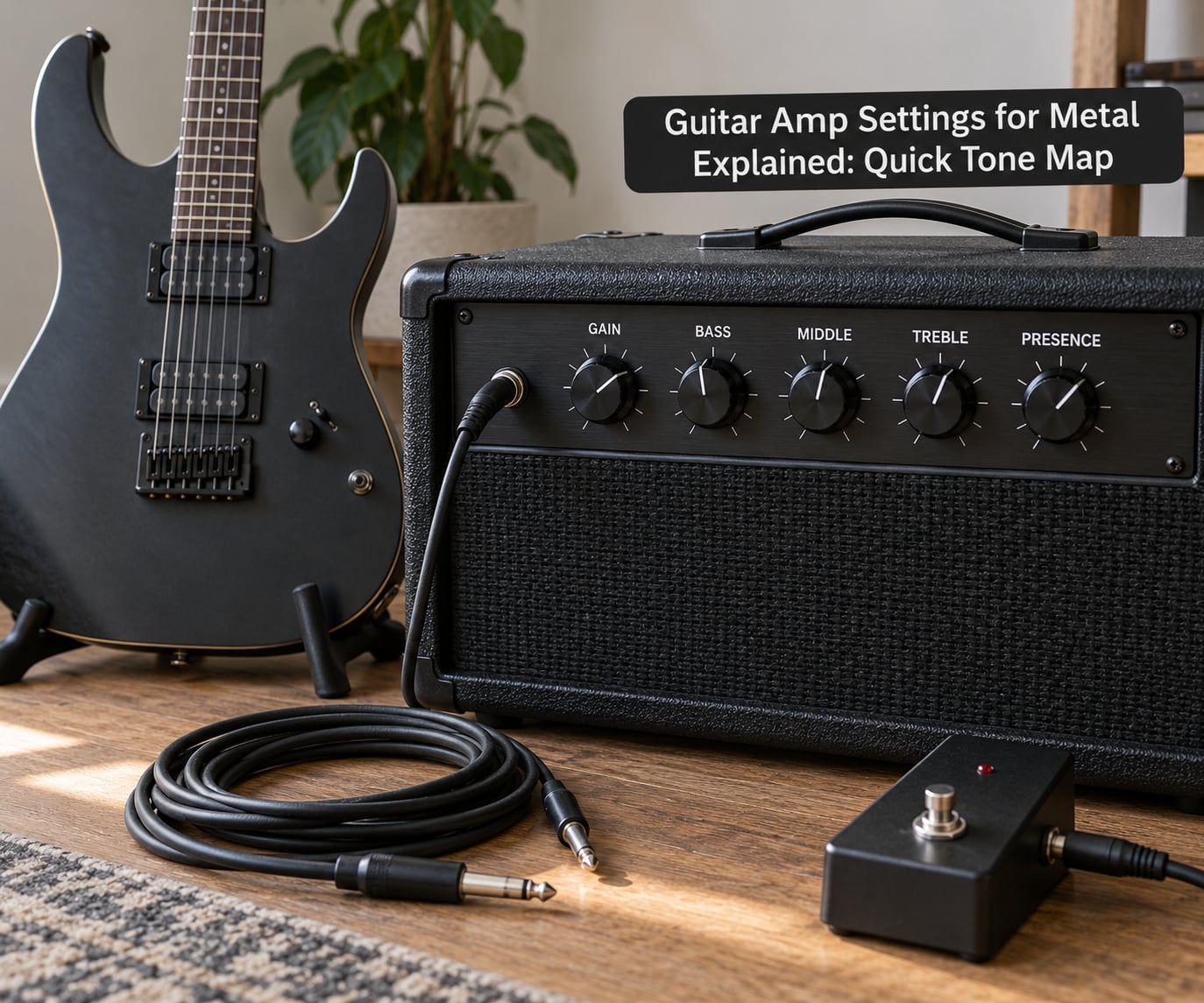
Use this map to pick a starting point for what you are playing, then move one control at a time. Values are on a 0-10 dial scale with 0 at minimum and 10 at maximum.
| Use case | Gain | Bass | Middle | Treble | Presence | Volume |
|---|---|---|---|---|---|---|
| Clean boost into a high-gain rhythm | 7 | 7 | 3 | 7 | 5 | 7 |
| Tight palm-muted rhythm | 7 | 8 | 4 | 6 | 5 | 7 |
| High-gain rhythm and riffs | 8 | 6 | 5 | 7 | 6 | 8 |
| Lead and solos | 7 | 6 | 7 | 7 | 7 | 9 |
| Modern low-end and djent | 6 | 9 | 4 | 4 | 5 | 7 |
| Doom and sludge weight | 8 | 9 | 6 | 4 | 3 | 8 |
Two rules make these numbers usable. First, channel volume is set before you touch anything else, because moving it changes the tone as much as any EQ band. Second, if a setting makes the tone worse, undo it immediately — most bad tones come from a stack of small changes nobody reverted.
What Amp Controls Shape a Metal Tone?
Every control on a metal-capable amp does one job, and confusing them is why beginners end up with a fizzy, formless tone.
Gain and channel volume are not the same knob
Gain (sometimes labelled drive, gain or preamp) pushes the signal into the preamp until it clips. That clipping is what creates the harmonics, the sustain and the compressed feel of a saturated tone. Channel volume sets how loud that channel is and, on a high-gain head, where the signal sits on the distortion curve — turn it down and the preamp distorts harder, turn it up and it cleans up slightly.
Master volume is the only control that should be purely about level. Set the channel first, get the tone right, and only then use the master to set how loud you are playing.
Bass, middle, treble and presence each move a different band
Bass controls low-end weight, and on a high-gain amp it is the main lever for tightness or looseness. Middle decides whether the guitar cuts through a full band or sits behind the bass. Treble controls string definition and is where fizz starts. Presence works in the power amp stage and adds bite and air above the treble band without adding the same harshness.
Depth (called resonance on some heads) adds low-end punch before distortion takes over. Raising it makes notes hit harder on the attack; lowering it smooths out the low end and makes a saturated tone easier to play.
Warning about the obvious move: turning gain to maximum does not give you more metal, it gives you less of it. Once the signal is fully saturated you are only adding compression and noise, the individual notes blur together, and the low end defoams into a fizzy, undifferentiated wash. You want the least gain that still produces the saturation you want.
What Is the Best Guitar Amp Settings for Metal Starting Point?
The baseline most people converge on is gain 7, bass 7, middle 3, treble 7, presence 5, channel volume 7. On a clock face that is gain and volume slightly past noon, bass and treble around 1-2 o’clock, middle pulled back to 9-10 o’clock, and presence near 12 o’clock. An experienced user on Gearspace described a very similar picture for a 5150: gain around noon, bass and treble at 1-2 o’clock, mids at 9-10 o’clock, presence and resonance to taste.
Three settings from the same baseline
From that starting point, tighten rhythm is gain 7, bass 8, middle 4, treble 6, presence 5. High-gain rhythm is gain 8, bass 6, middle 5, treble 7, presence 6. Lead is gain 7, bass 6, middle 7, treble 7, presence 7, volume 9 — the middle moves up because a solo needs to be heard over the rhythm guitar.
Adjusting the baseline for your guitar
A darker guitar with weak-output pickups needs the bass and middle lifted rather than the treble. A bright guitar with hot active humbuckers needs treble and presence pulled back first, otherwise you will be fighting fizz you created at the source. Single-coil guitars need more gain than humbuckers to reach the same saturation, so drop the gain slightly and add a boost pedal rather than pushing the amp harder.
Adjusting for the cabinet
Cabinet voicing changes how the same settings behave. A tight, modern-sounding four-by-twelve usually makes a scooped EQ sound good and needs very little help. A more saturated classic cabinet adds upper harmonics that turn treble and presence into the two controls most likely to cause harshness. If the same settings sound excellent on one cab and painful on another, the problem is the cab, not the numbers.
How Do You Get Tight Palm Mutes Without Losing Sustain?
Tight palm mutes come from a low-mid setting with plenty of attack, not from maximum gain. The classic method that shows up again and again in forums is an overdrive pedal with the drive turned off and the level turned up, placed in front of the amp, used purely to tighten the low end before the preamp saturates it.
Alongside that, the gate matters as much as the tone. Set the threshold just above your noise floor when your picking hand is at rest, not above your quietest note. A gate set too high chops the sustain off every note you play, which is the most common complaint about gates in metal rigs.
A repeatable test
Play three things in order and listen for one problem each. Play a low riff open and notice whether the bottom is tight or flabby. Play the same riff palm-muted and notice whether each note still has a clear beginning or whether it disappears. Then play a single note fretted and held, and notice how long the sustain lasts and whether it turns fizzy at the end.
Fixing the three common failures
- Notes disappear under muting. Raise the middle by a small amount and add a little gain, then cut the bass slightly. More gain alone makes it worse because compression levels the muted and open notes closer together.
- Everything sounds fizzy. Drop gain by one notch, then cut treble and presence. Fizz is a gain and high-frequency problem far more often than it is a speaker problem.
- Sustain decays too fast. Back the gate threshold down, add a compressor with a slow attack, or use less gain so the preamp compresses less.
A compressor helps a thin tone more than it helps a saturated one. Set a low ratio, a slow attack and release you can hear pumping slightly, and treat it as glue rather than as a volume pedal.
How Do You Set the Amp for Metal Rhythm and Lead?
One amp can cover rhythm and lead cleanly, but only if channel volume is set deliberately before the master. The trick is to pick a lead channel that is not much louder than the rhythm channel, and to move the middle up on the lead rather than relying on volume alone.
Start with rhythm at gain 8, middle 5, presence 6. For the lead, drop gain to 7, raise middle to 7 and presence to 7. If the lead disappears in the mix, the middle is too low rather than the volume too low — volume fixes presence in the room but not definition.
Staying audible under double tracking
Double-tracked rhythm guitars are louder than they sound to the person playing them. If your single guitar sounds correct alone but vanishes in the mix, raise the middle 1-2 points rather than turning up the master, and re-check at rehearsal volume where you will actually hear the problem.
Using the clean channel without losing the rhythm tone
Many players keep the clean channel loud enough to just barely push the rhythm channel into saturation when both are on. That is a volume-pedal trick, not a settings trick, and it works best with a modest clean level around 6 rather than wide open.
How Do Guitars, Cabs, and Pickups Change the Settings?
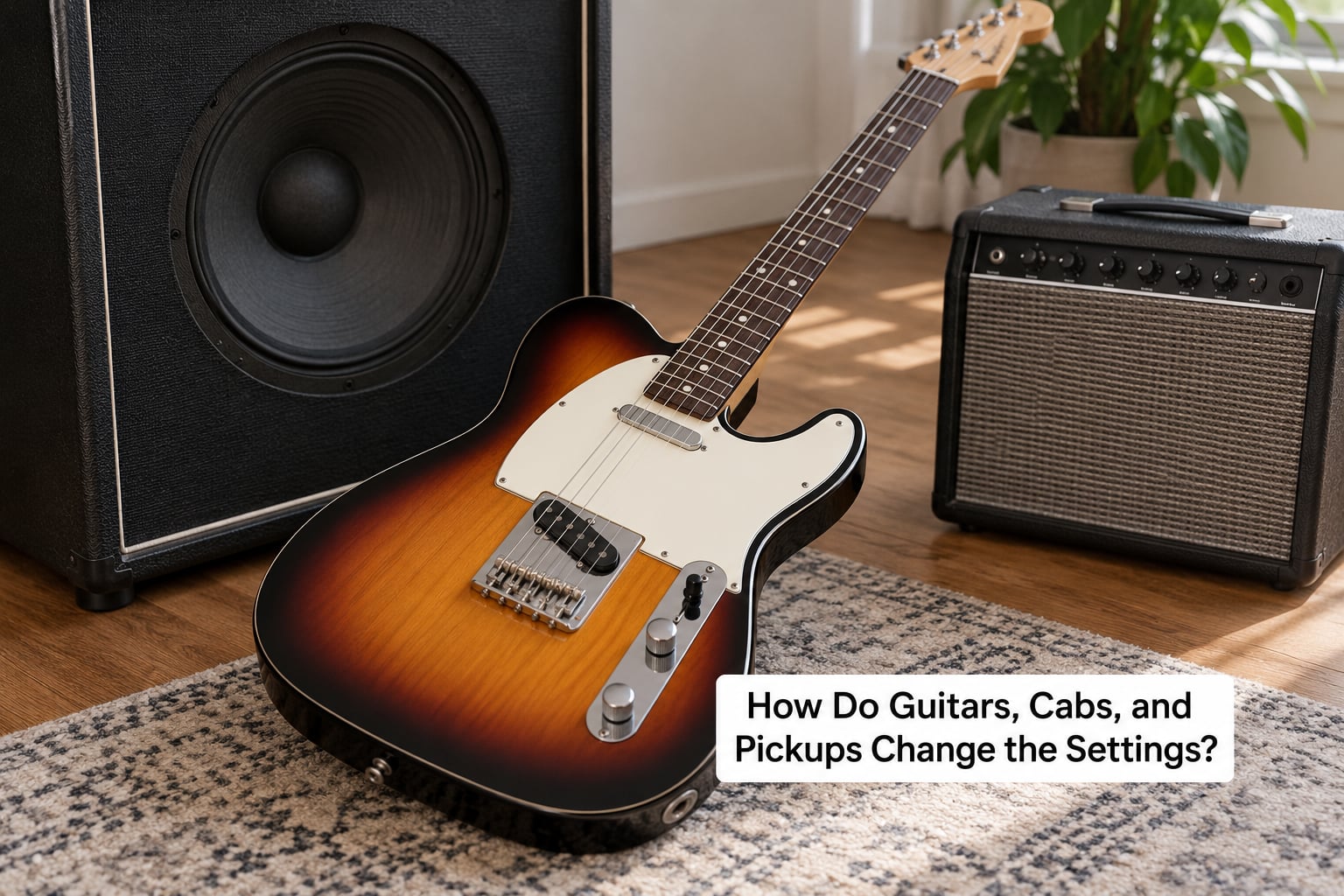
The guitar and cabinet decide how much correction the amp settings need. Change either one and you should expect to change the settings.
Single coils versus humbuckers
Single-coil pickups are lower output and brighter, so they need more gain to reach the same saturation and less treble and presence to stay controlled. Humbuckers, especially high-output ones, hit the same saturation at a lower gain setting, which is why metal guitars almost always use them and why hot active pickups need a gentler EQ than passive ones.
Bridge versus neck pickup
The bridge pickup is brighter and more articulate, which is why metal rhythm work is nearly always played there. Moving to the neck lowers the output and thickens the low end, so raise the bass slightly and expect a less precise palm-mute attack.
Cabinet type and speaker choice
A closed-back four-by-twelve with a modern speaker type is tight and focused, so a scooped midrange setting sounds the way it looks on paper. An open-back or a more saturated cab adds upper harmonics and room, and the same treble and presence values will sound noticeably harsher. Move the cab, the room placement and the mic position before you blame the amp settings — moving a microphone away from the dust-cap edge toward the cone removes harshness without touching a knob.
What Genre-Specific Metal Amp Settings Should You Start With?
Use these as adjustments relative to the baseline, not as universal values. The control moves listed are what changes the character of the tone.
| Style | Weight | Attack | Bass behavior | Midrange | Adjust from baseline |
|---|---|---|---|---|---|
| Thrash metal | Medium | Fast, aggressive | Tight | Forward, not scooped | Gain up 1, middle up 2, presence up 1 |
| Death metal | Heavy | Thick and dense | Tight, sustained | Moderate | Gain up 1, bass up 1, treble down 1 |
| Metalcore | Heavy | Very fast | Palm-mute tight | Scooped but present | Middle up 1, presence up 1, gate slightly tighter |
| Modern and djent | Heavy | Percussive | Very tight, low-heavy | Scooped | Bass up 2, treble down 2, gain down 1 |
| Doom and sludge | Maximum | Slow, sustained | Sustained and huge | Forward | Bass up 2, treble down 2, presence down 2 |
| Blackened metal | Medium-heavy | Dry, clipped | Tight | Scooped | Treble down 2, gate tightened, low noise floor |
| Traditional heavy metal | Light-medium | Crunchy | Moderate | Forward and warm | Gain down 2, middle up 2, presence up 1 |
| Power metal | Light | Fast, fluid | Moderate | Forward, singing | Gain down 2, middle up 2, treble up 1 |
Traditional heavy metal and power metal are the two styles that punish excess gain most, because their riffs are melodic and blur into noise quickly. Most players of those styles do well with the lowest gain on this list.
How Do Noise Gates, Boosts, and Other Pedals Affect the Amp?
Each pedal in a metal chain has one job, and most bad metal tones come from doubling up on jobs that are already done.
- Noise gate. Controls the noise floor, not the tone. Put it in the amp’s effects loop if the amp has one, set the threshold just above the noise, and shorten the release so it does not cut sustain. Faster decay suits tight modern playing; a slower decay suits leads and slower riffs.
- Clean boost. Adds no distortion of its own. It pushes the guitar harder into the preamp so you can use a lower gain setting for a cleaner, tighter result. A mid-focused boost is the classic choice for tightening palm mutes.
- Overdrive as a boost. Set the drive fully down, the level up, and the tone starting at 12 o’clock. This is the standard advice given on r/guitarpedals and it is the difference between a boost and a second distortion stage.
- Compressor. Evens out pick attack and adds sustain. Use it before the gate if your picking is uneven, never as a substitute for gain staging.
- EQ pedal. Use it for a small mid scoop or a treble cut at the very front of the chain, before the amp adds its own voicing.
- Tuner. First in the chain, always, so everything after it receives the same signal.
Fewer pedals means a more repeatable tone. The canonical chain people describe is guitar, tuner, boost, gate, then amp and cabinet — and adding a distortion pedal in front of an already high-gain amp mostly makes it fuzzier, not heavier.
How Do You Dial In and Save a Metal Tone?
Set aside about half an hour for this, do it in order, and stop after each step to play. The order matters more than the values.
- Start bypassed. Disconnect the pedals and set every amp knob to 12 o’clock with the gain at minimum. This is your neutral reference point.
- Set the channel volume. Put it around 7 of 10 before you change anything else, because it affects how hard the preamp works.
- Set the gain. Raise it until the tone just short of fizz, then back off a fraction. If the notes blur into each other at the volume you play, you went too far.
- Set the noise gate. Threshold just above the noise floor, release short enough to hear but long enough to keep sustain.
- Shape the EQ in order: bass, treble, then middle. Lift or cut the bass for weight, then the treble for definition, and only then move the middle — it is the most dramatic control and the easiest to overdo.
- Set presence last. Small moves only. If the tone is harsh, presence is usually the cause before treble is.
- Set the master volume. Play at the level you actually use, not at a level that feels safe in the room.
- Add the pedals back one at a time and play the same riff after each one, so you know exactly what each pedal is doing.
- Store it. Save the preset on the amp, then check it again the next day at a different volume, and once more at rehearsal level. A tone that only works at one volume is not finished.
Two safety habits worth keeping. Turn the master down before you power up and before you change channels, and do not set the master to where it sounds good at home and then discover the problem in a rehearsal room. If you use in-ear monitoring, check the tone in one ear only for a minute before committing, because ear fatigue changes what you hear faster than any knob move.
Frequently Asked Questions
What is the best amp setting for metal?
The most common baseline is gain 7, bass 7, middle 3, treble 7, presence 5 and channel volume 7 on a 0-10 scale. That combination gives saturation, a tight low end and note separation without turning fizzy. Treat it as a reference point only. Your guitar, pickups, cabinet and room shift the result, so change one control at a time from there.
Should I use a noise gate for metal?
A gate is standard in most metal rigs, mostly to control the noise floor that comes with high gain rather than to change the tone. Set the threshold just above your noise floor when your picking hand is still, and use a short release so it does not cut the sustain off your notes. Put it in the amp effects loop if the amp has one.
Do I need a tube amp for a metal tone?
No. A solid-state high-gain head, a modeling amp or an amp modeller all produce a usable metal tone because the ingredients are saturation, tight low end and note separation, not a particular valve. Set the tone with gain and EQ first, and only worry about the amplifier type if you have already dialed in a good tone on something else.
Why does my palm-mute tone disappear when I raise the gain?
More gain compresses the signal, which levels your palm-muted notes closer to your open notes and buries the rhythm. It also pushes more low-mid energy through the preamp, which is what makes the tight part feel mushy. Fix it by raising the middle, cutting the bass a little, and using an overdrive pedal as a boost with the drive turned down.
Should I use the same amp settings for rhythm and lead guitar?
Not quite. Keep the gain structure similar but move the middle and presence up for lead, and lower the gain by about a notch so the solo does not compress the same way. Raising the lead channel volume a little is fine, but a lead tone defined by volume instead of midrange tends to disappear in the mix.
Conclusion
Start with a moderate-gain rhythm setting, around gain 7, and get it playing a riff before you change anything. Make sure the guitar and cabinet suit each other first, since a bright guitar into a bright cab cannot be fixed with EQ that a dull guitar would have needed.
Then move one control at a time, in the order bass, treble, middle, presence, and listen to a muted note and a single held note after every change. Pedals come after the amp tone works, not before it. If your current setup still feels wrong after that, the honest answer is usually that a different guitar, cabinet or pickup set will get you further than another hour with the knobs.